Setting up BaK-Again
BaK-Again plays Betrayal at Krondor with the files from your own copy of the game.
It needs three: KRONDOR.001, FRP.SX and STARTUP.GAM. Upper or
lower case does not matter. You point the game at them once, on its first start.
Windows · Linux · Android · GOG · CD or DOS install · Still stuck?
Windows
If you bought the game on GOG, pick the installer itself, or the folder GOG installed the game
to. By default that is C:\GOG Games\Betrayal at Krondor. BaK-Again also looks for a GOG install
by itself and offers it first.
If you have the CD or an old DOS install, pick the folder you installed the game to, the one with
KRONDOR.001 in it. A .zip that holds the three files works as well.
Linux
If you bought the game on GOG, pick the installer itself (no Wine needed), or the folder GOG
installed the game to. BaK-Again also looks in a few common install folders (GOG Games, and the usual Heroic and Wine ones); if it does not find yours, choose the folder. With Heroic it is usually ~/Games/Heroic/Betrayal at Krondor.
If you have the CD or an old DOS install, pick the folder you installed the game to, the one with
KRONDOR.001 in it.
Android
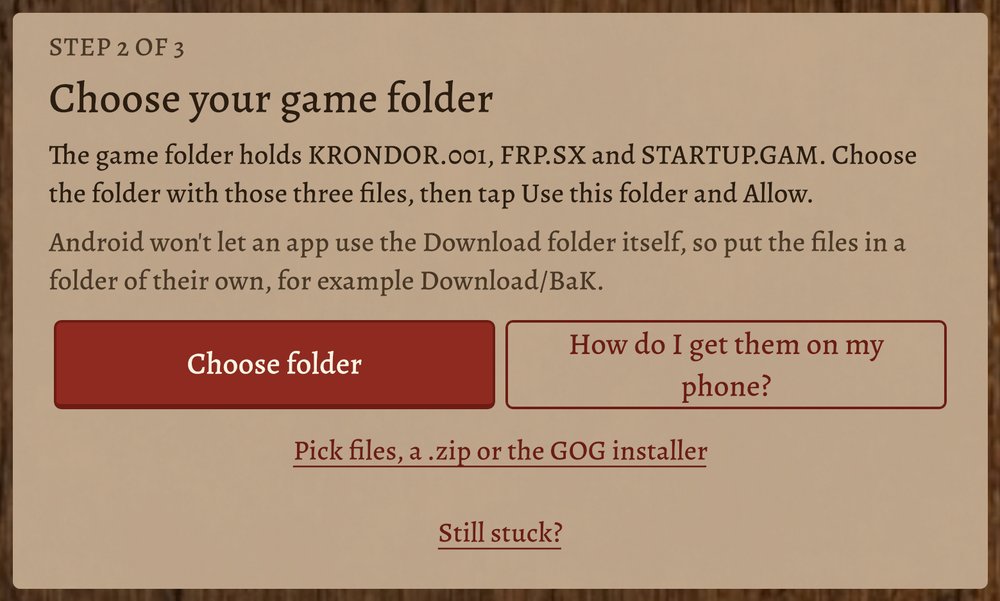
Android will not let an app use your Download folder itself, so put the files in a folder of
their own, for example Download/BaK. Then tap Choose folder, pick that
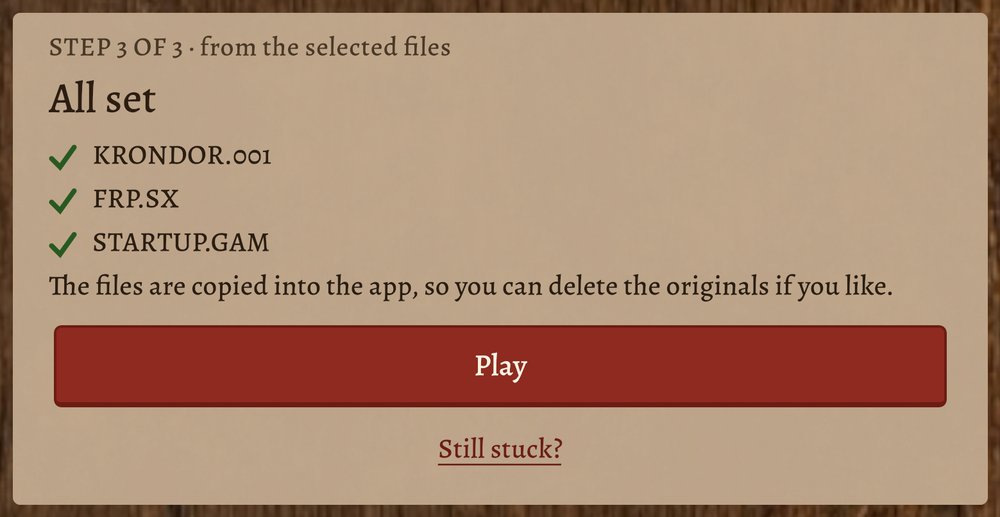
folder, and tap Use this folder and Allow. The files are copied into the app, so
you can delete the originals afterwards.
Four ways to get the files onto the phone:
- With a USB cable. Connect the phone to your PC. On the phone, swipe down from the top
and tap the USB notification, then choose “File transfer”. On the PC, make a folder named
BaKinside the phone's Download folder and copy the three files into it (on the PC they are inC:\GOG Games\Betrayal at Krondor, or wherever you installed the game). Then tap Choose folder, Download, BaK. - With Google Drive, Dropbox or OneDrive. Upload the three files, or a .zip with them, to your drive. Then tap “Pick files, a .zip or the GOG installer” and choose them from the drive.
- With a USB stick or SD card. Copy the three files into a folder on it and plug it into the phone (many phones need a small USB adapter for a stick, and an SD card needs a card slot). Then tap Choose folder and pick that folder.
- Have the GOG installer? Use it directly. On a PC, download the Windows installer
(
setup_betrayal_at_krondor….exe) from your GOG library and put it on the phone as in 1 or 2. No need to install the game first. Then tap “Pick files, a .zip or the GOG installer” and choose it. If it cannot be read there, install the game on a PC and copy its three files to the phone.
GOG
You do not need to install the GOG version first. BaK-Again can read the files straight out of the GOG installer, on Windows, Linux and Android. Choose the installer when it asks for your files. Only the installer version it was tested with is supported; with any other, the game says to install it first and then choose the folder it installed to. On Android it says it cannot read that version yet: install the game on a PC and copy its three files to the phone.
CD or DOS install
Copy the game's folder off the old install, or pick it where it is. It is the folder with
KRONDOR.001 in it. The 1.02 CD version is the one BaK-Again is tested against. If one of
the three files is missing, the game says which, and that it sits in the same folder as KRONDOR.001.
Still stuck?
Ask on the forum. People there have set it up on the same kind of device. A log helps them see what went wrong, and the version line tells them which build you have.
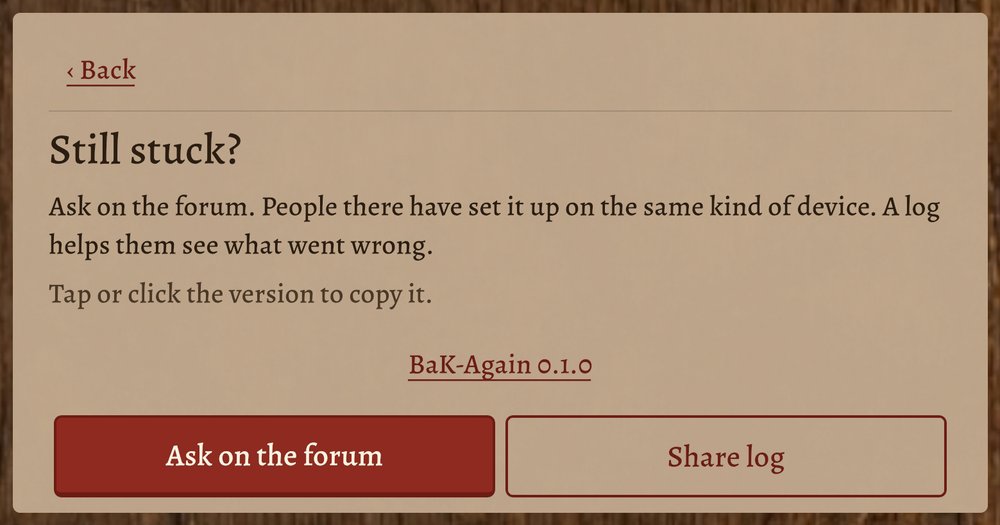
- Android: on the Still stuck? card, tap Share log and send it to yourself or paste it into your forum post.
- Windows and Linux: on the same card, click Open log folder and
attach the log file in it (usually
Player.log) to your post. - Click or tap the version line to copy it, and paste it into your post too.