What it is
BaK-Again runs the story, world, rules and art of Betrayal at Krondor in a new engine built with Unity, on Windows, Linux and Android. It reads everything from your own copy of the original game: it ships none of the game's content.
The rules come from a careful reverse-engineering of the original, checked side by side against the 1993 game running in an emulator. Where a modern machine allows better, BaK-Again looks better, but combat, magic, travel and the story should behave the way you remember.
It is free, open source (MIT), and a fan project: it is not affiliated with or endorsed by the rights holders of Betrayal at Krondor.
Screenshots
BaK-Again running on a copy of the original game. Click a picture to see it full size.
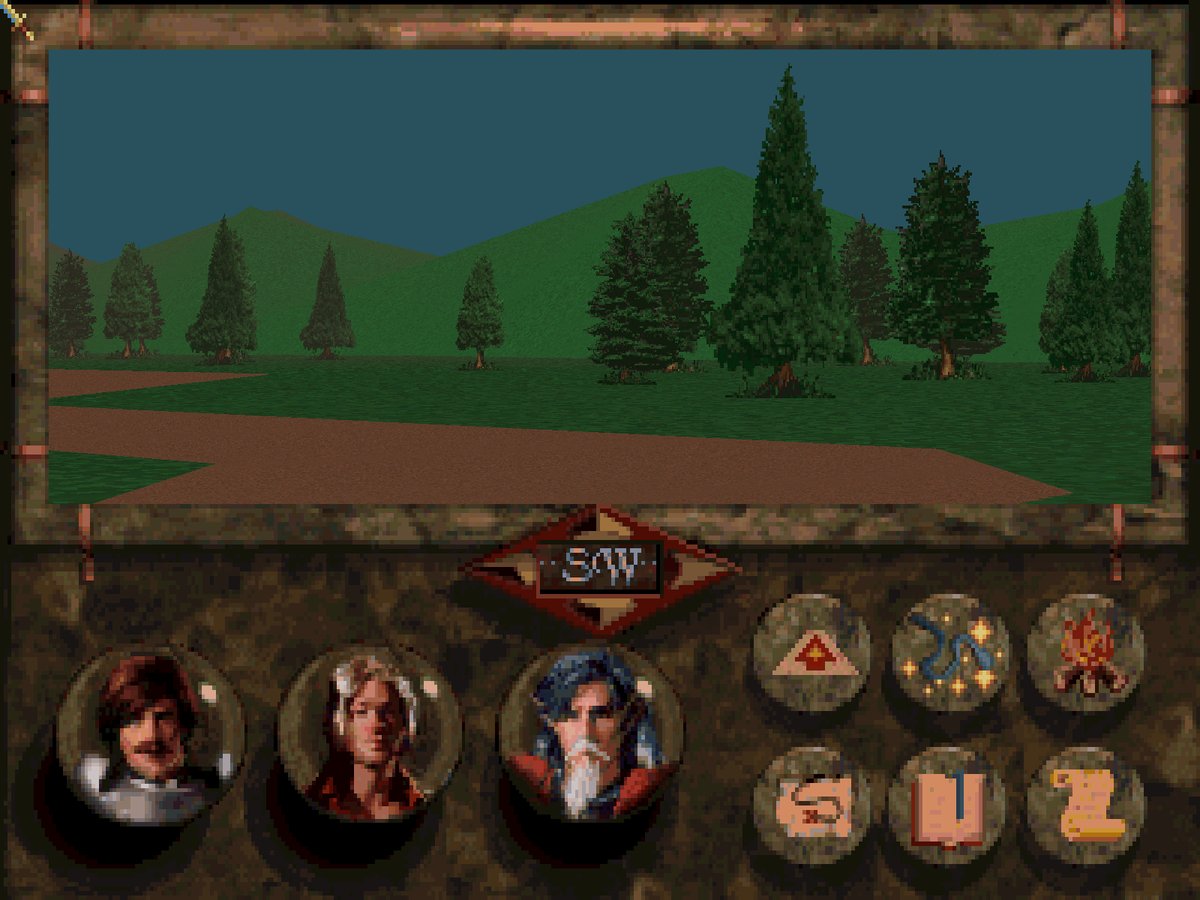
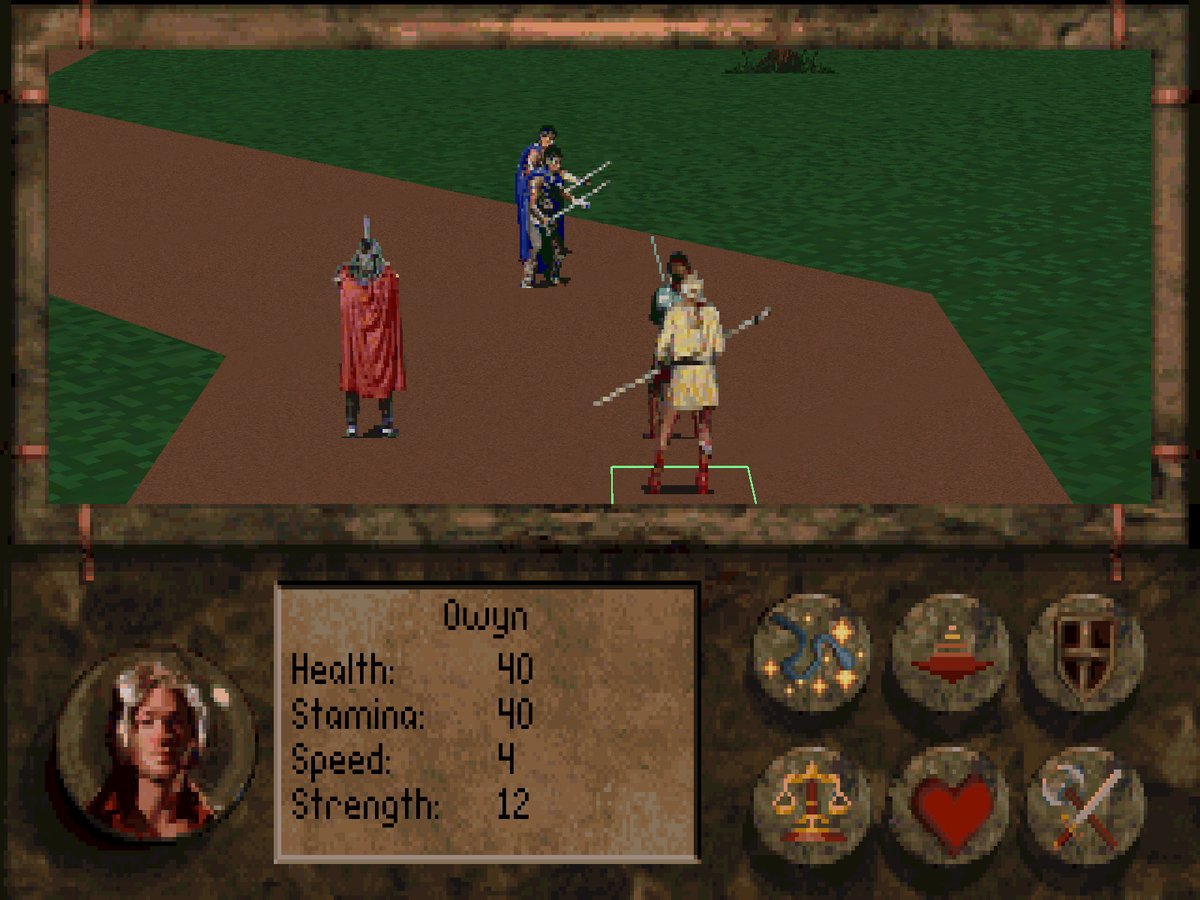
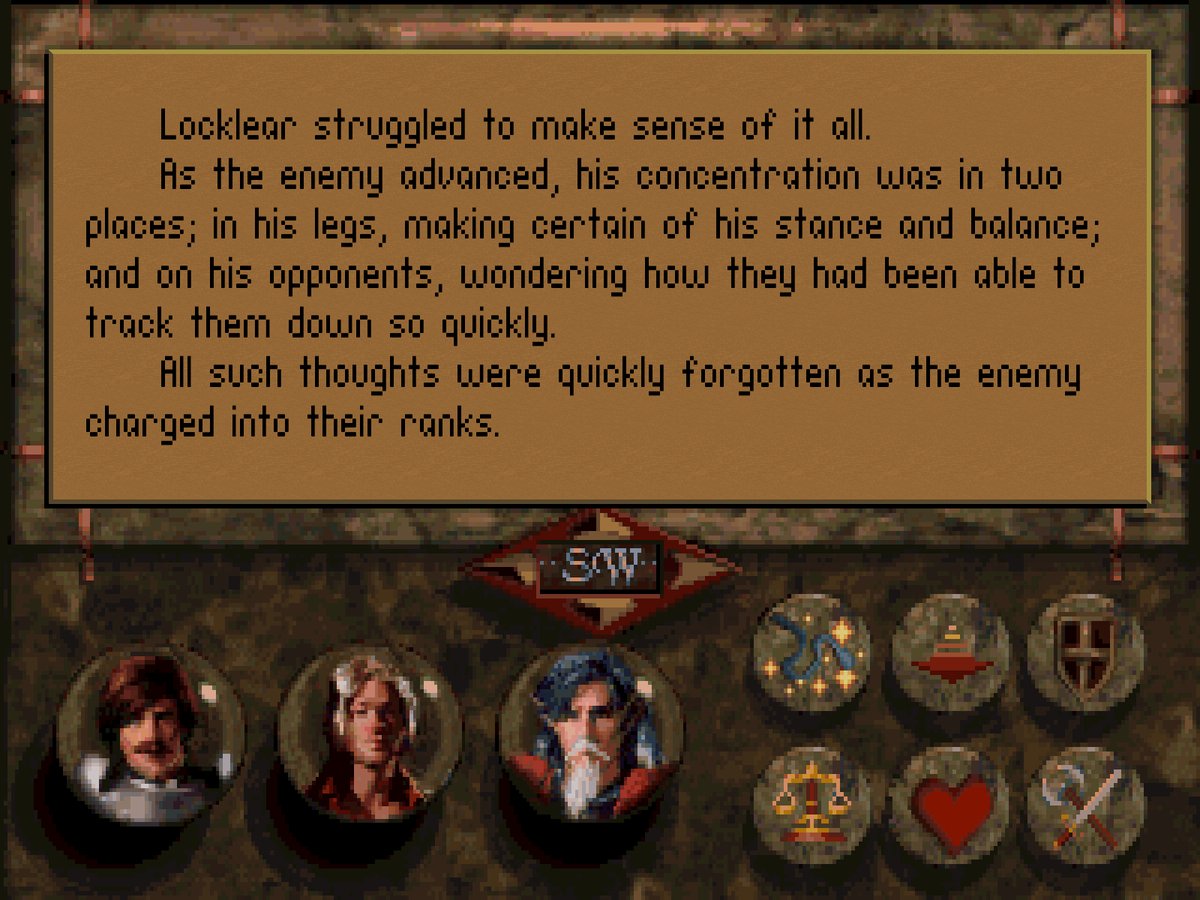
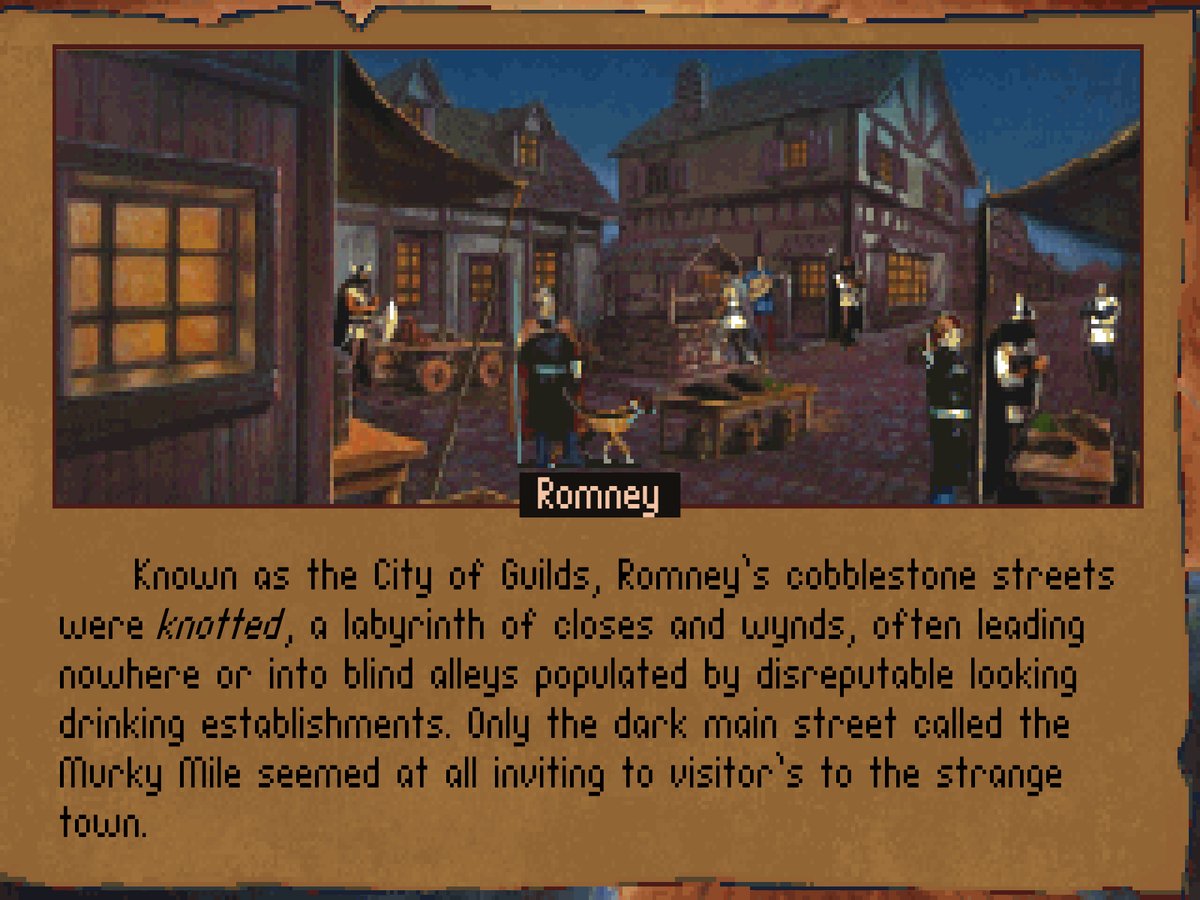
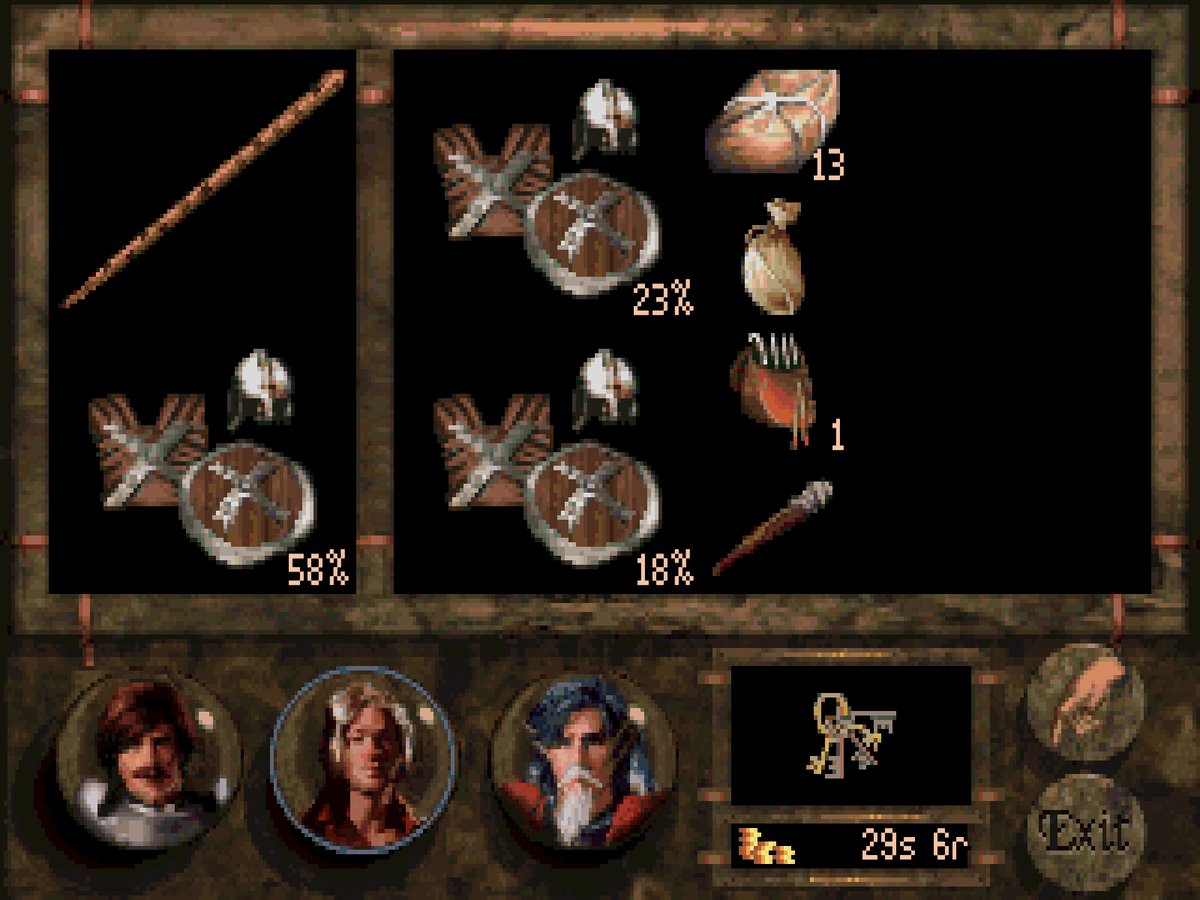
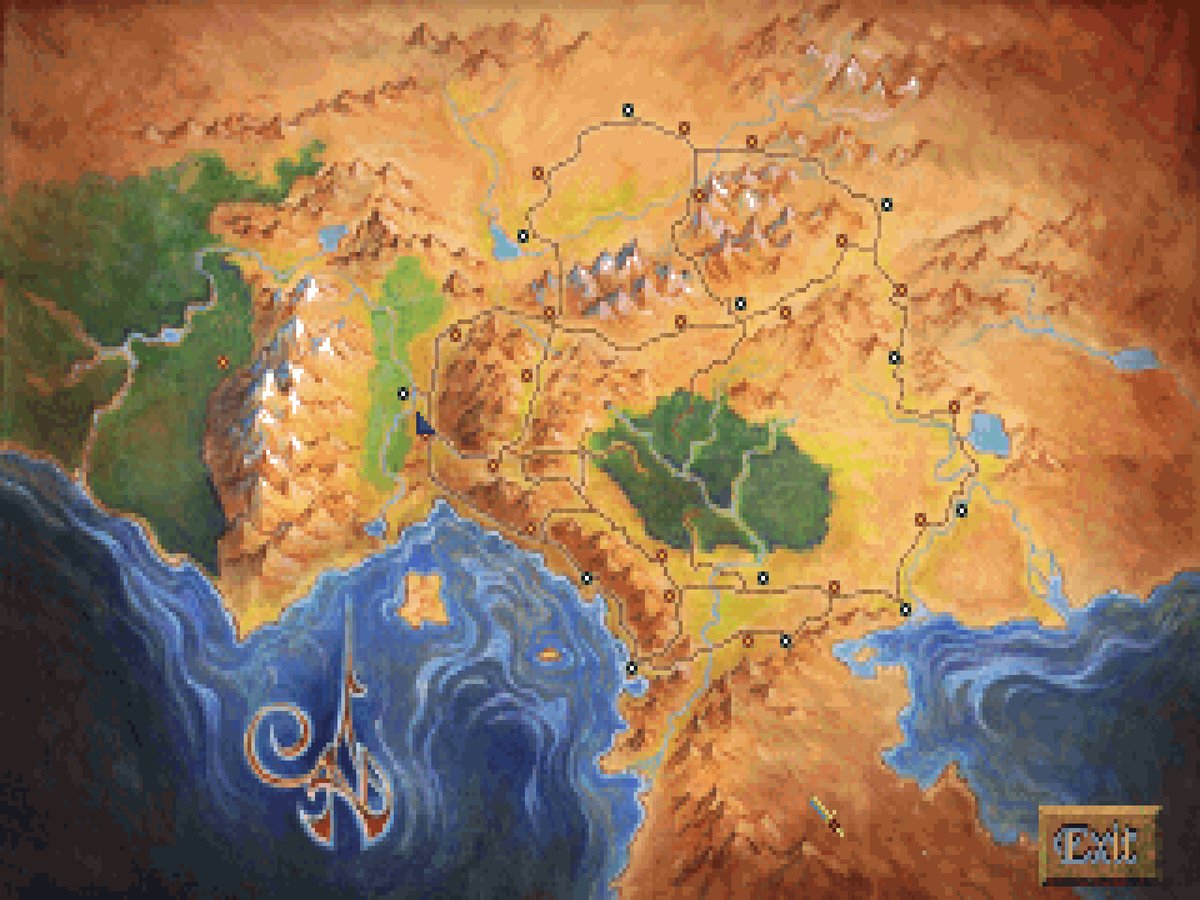
Classic or Enhanced: your choice
BaK-Again starts as the game you remember: the 1993 screens, frames and colours, at any window size. If you would like more, press Enhanced in Preferences and pick the modern touches you want. Each one has its own switch, and none of them changes the rules: fights, spells, prices and the story play exactly the same.
- Full-screen travel: the world fills the window, the controls float at its edges.
- Mouse and touch look: look up, down and around while you travel.
- Continuous walking: hold forward and the party glides instead of stepping; a road still costs the same game time, and the same encounters wait in the same places.
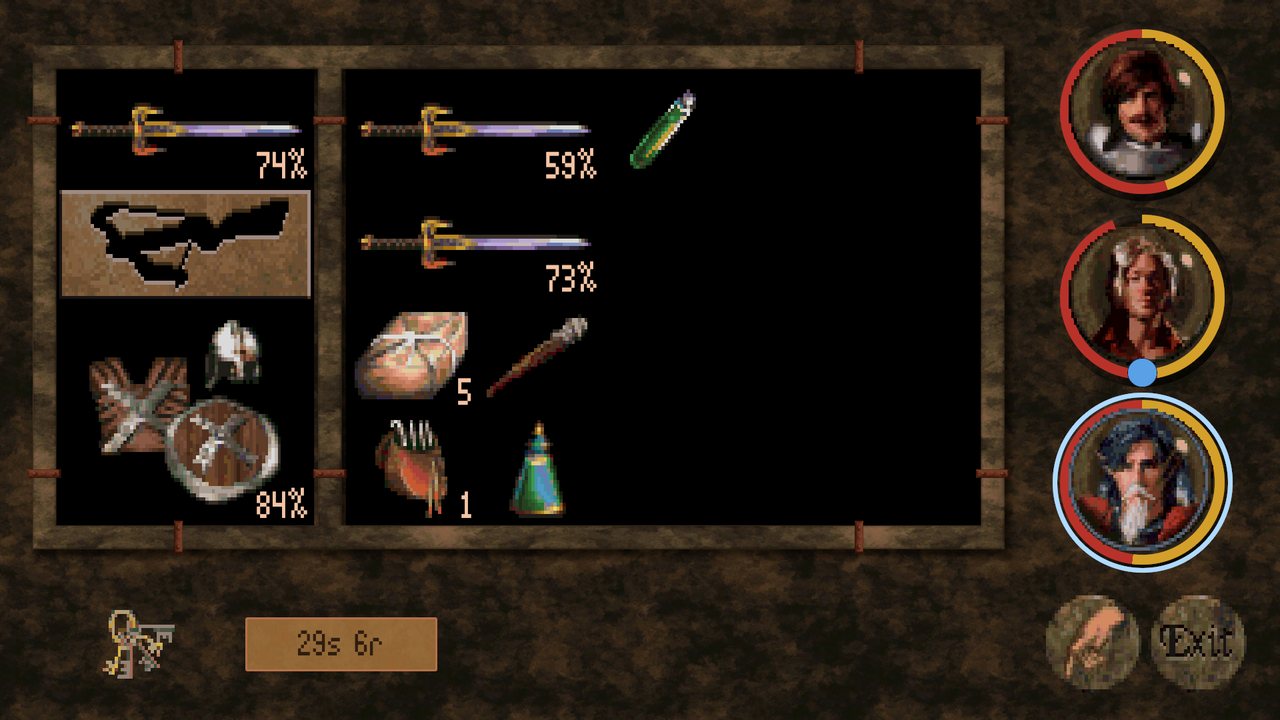
- Health rings: each portrait shows health and stamina at a glance.
- Sky and Lighting: a sun, three moons, stars and drifting clouds, and light that changes colour through the day, while the world stays as bright as in the original. The clouds only move when the game's clock does.
- Shadows: real shadows from the sun that follow it through the day, or a soft shadow under each figure on slower devices.
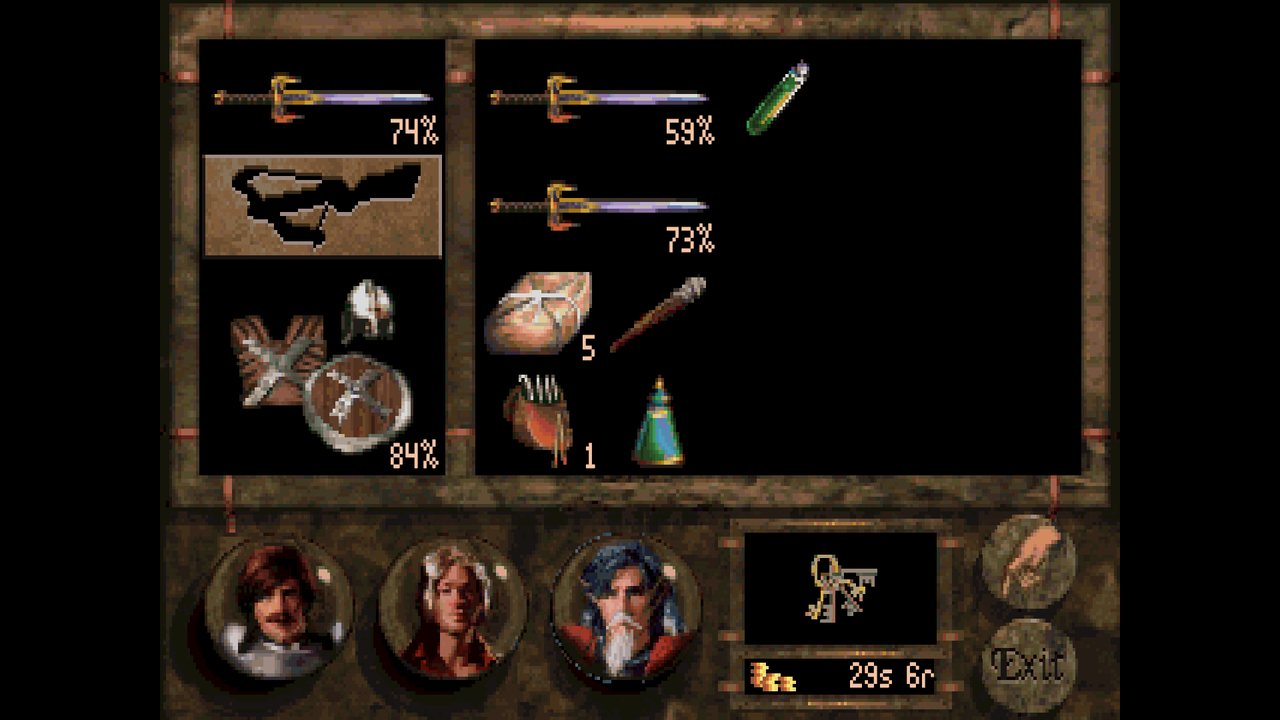
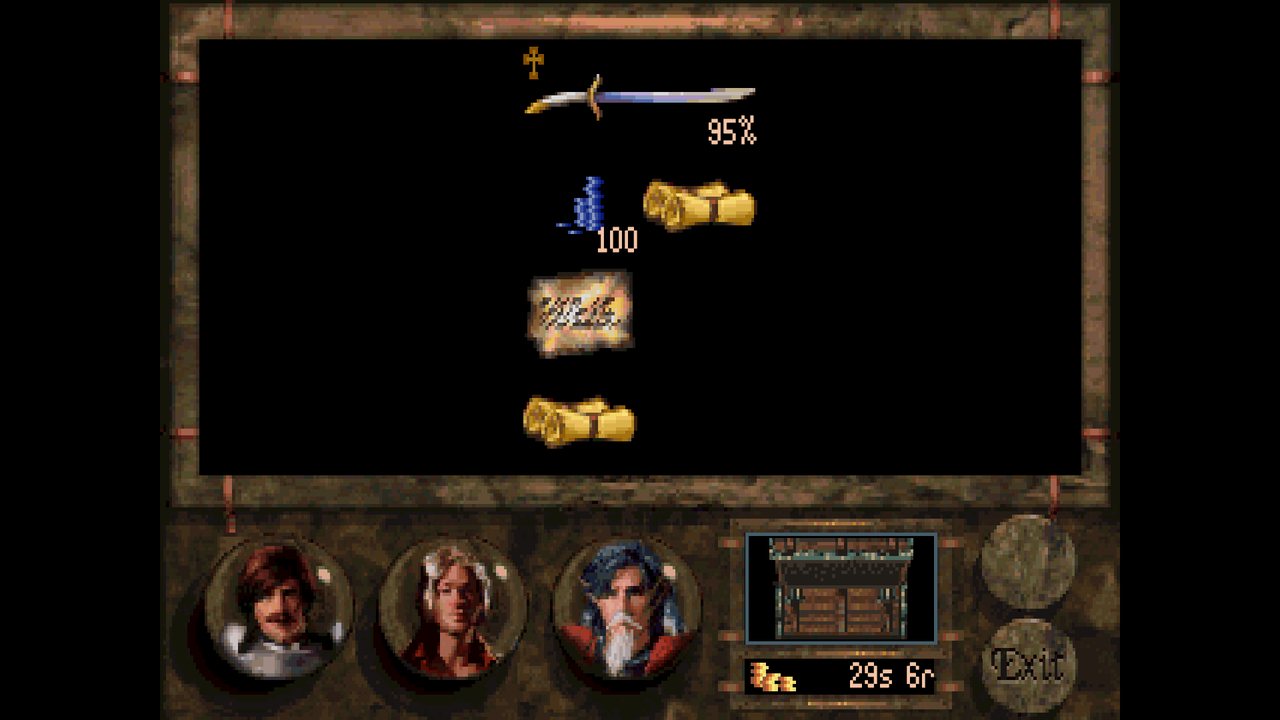
- Inventory: the whole window, items examined with their stats, and loot shown side by side with a pack.
- Casting: the spell ring as a stone on a marble bench, with the caster's health and stamina in view.
- Book font and turning pages: a readable hand for books, and pages that turn.
- Combat: see where a hero will walk and what an attack costs before you commit to it, the whole party's health and stamina in view, a fight log, and a camera you can zoom, turn and pan. Made for a phone first, just as easy with a mouse.
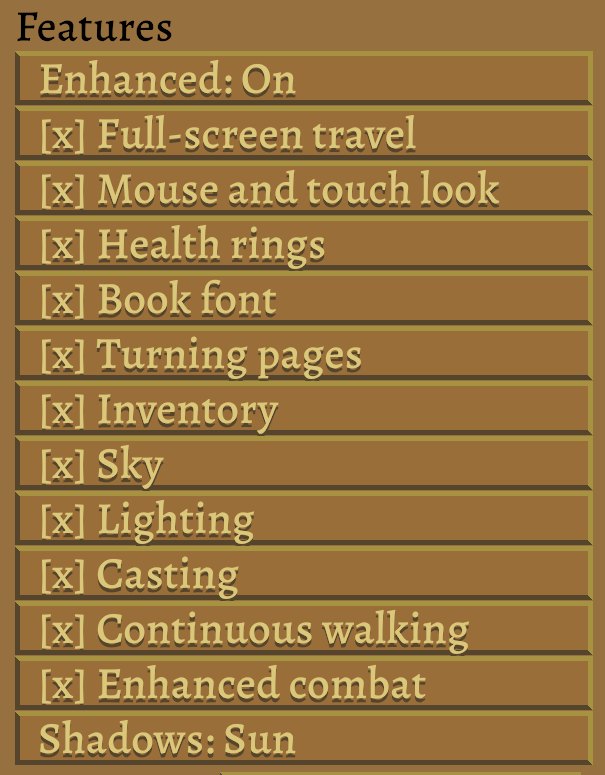
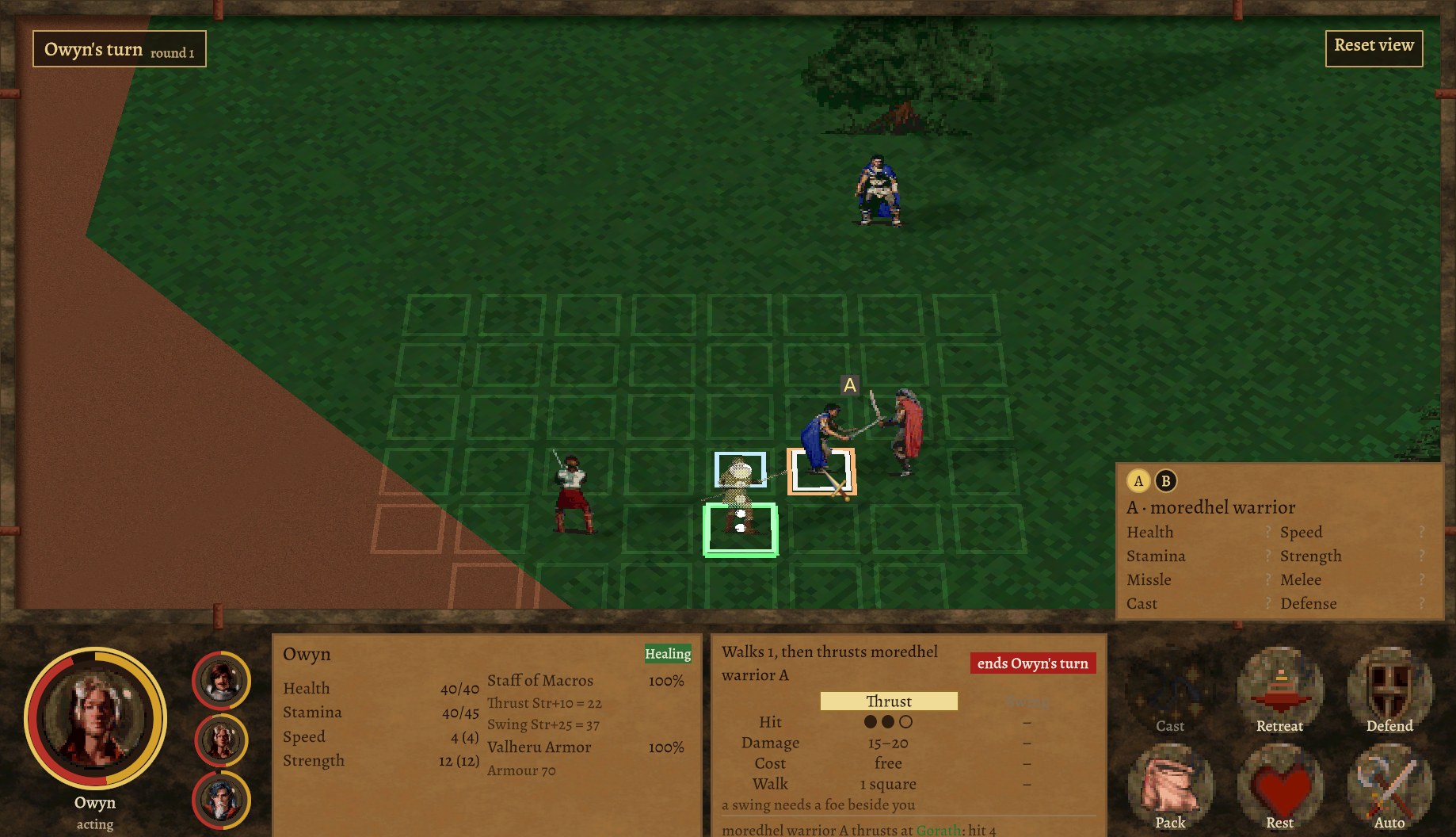
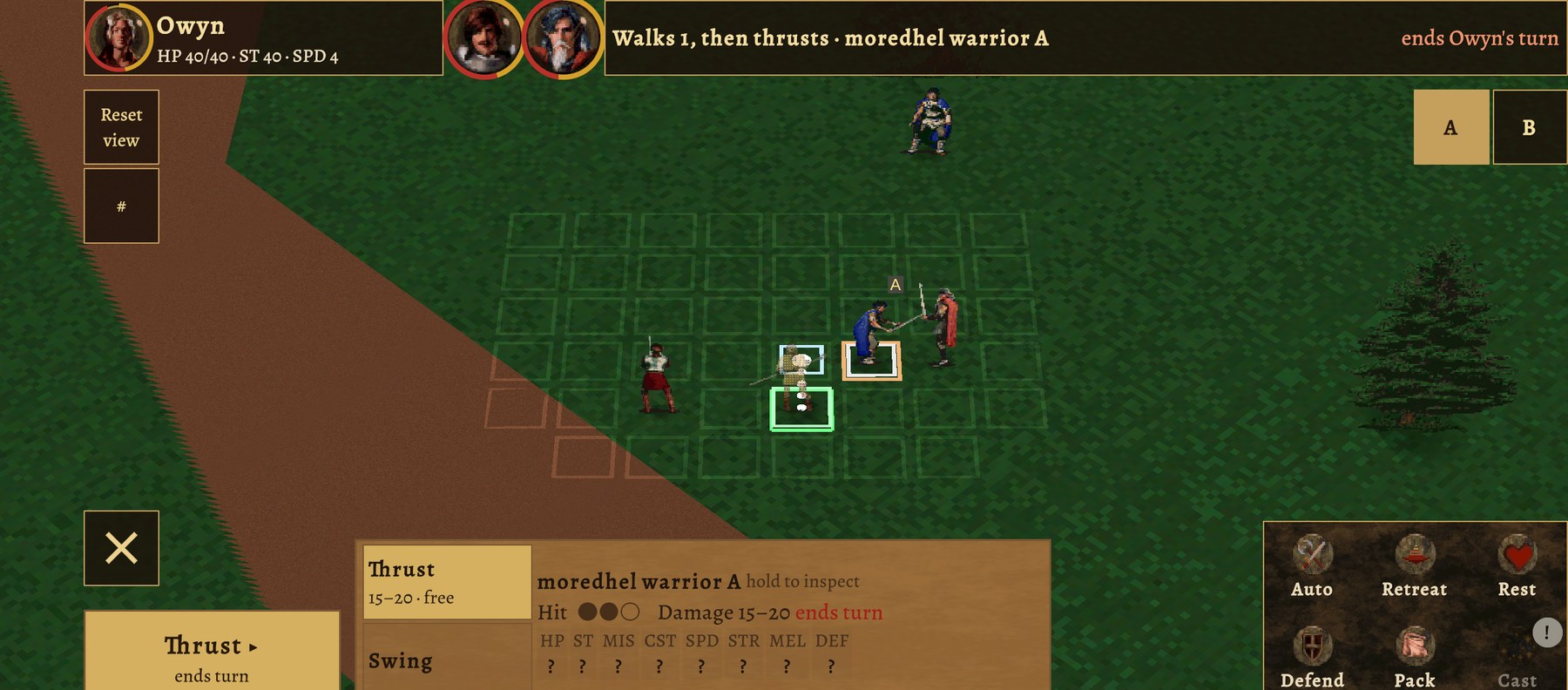
Drag across a picture (or use the arrow keys) to compare.
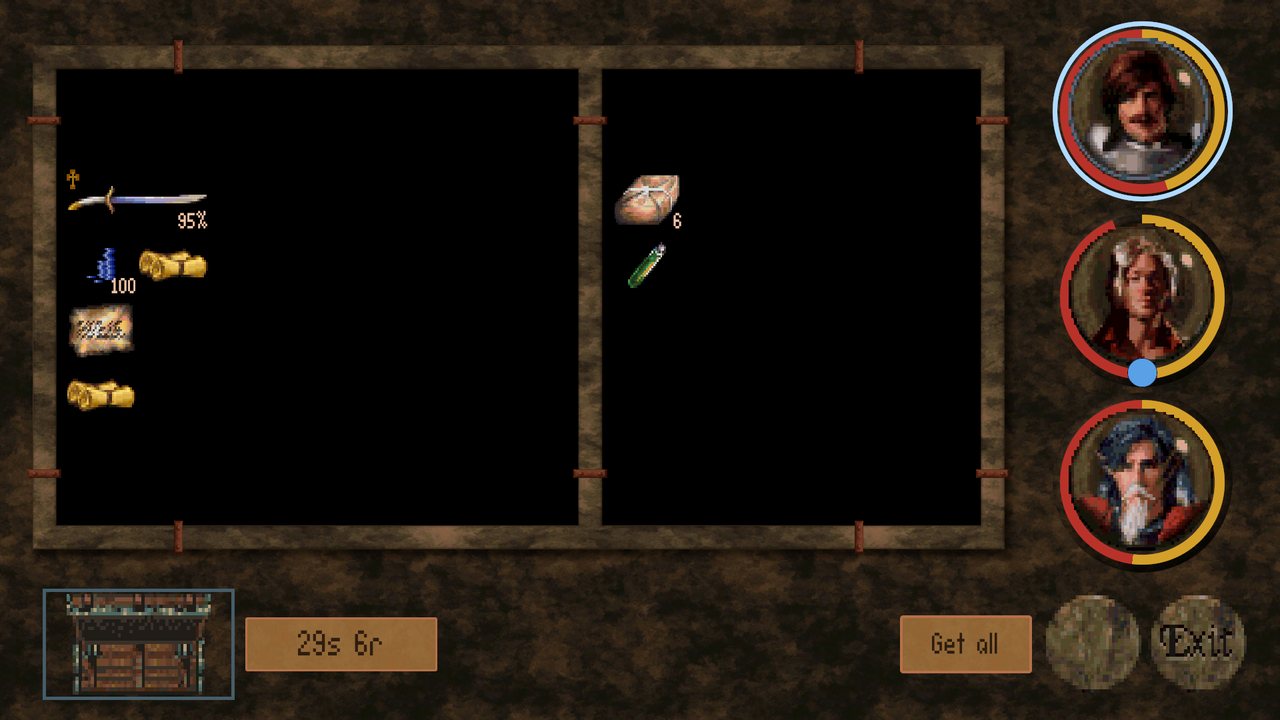
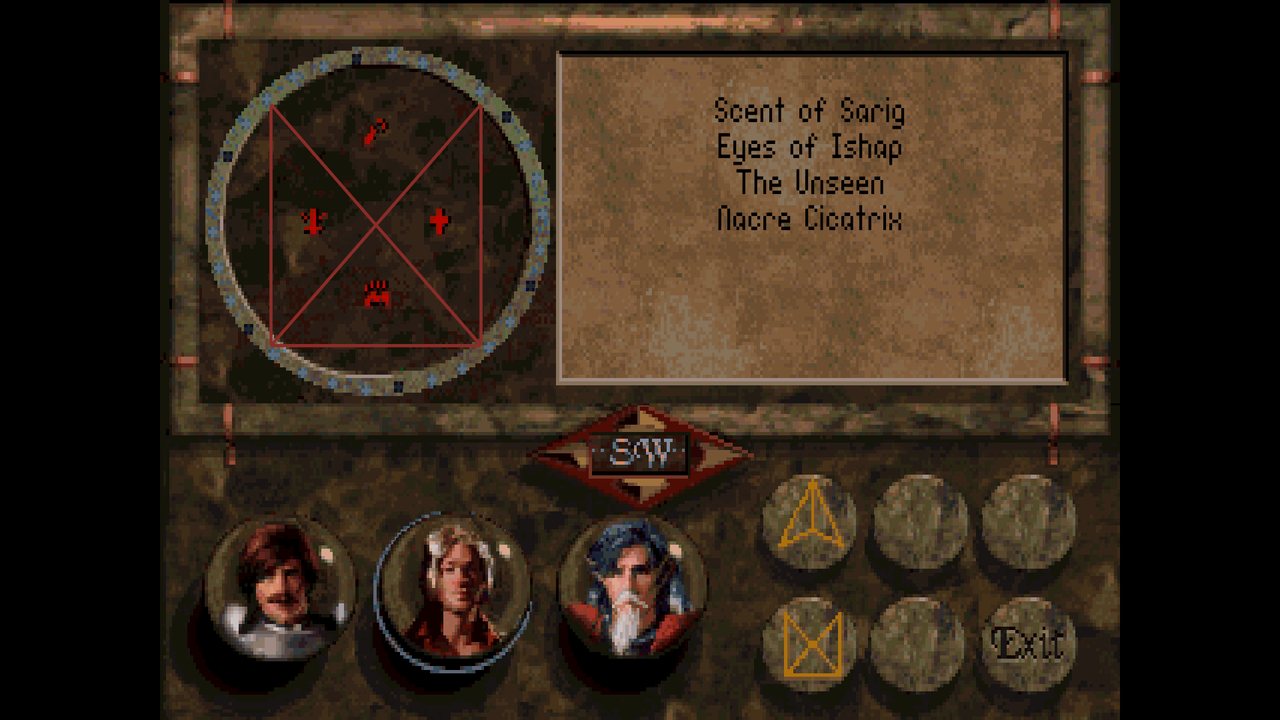
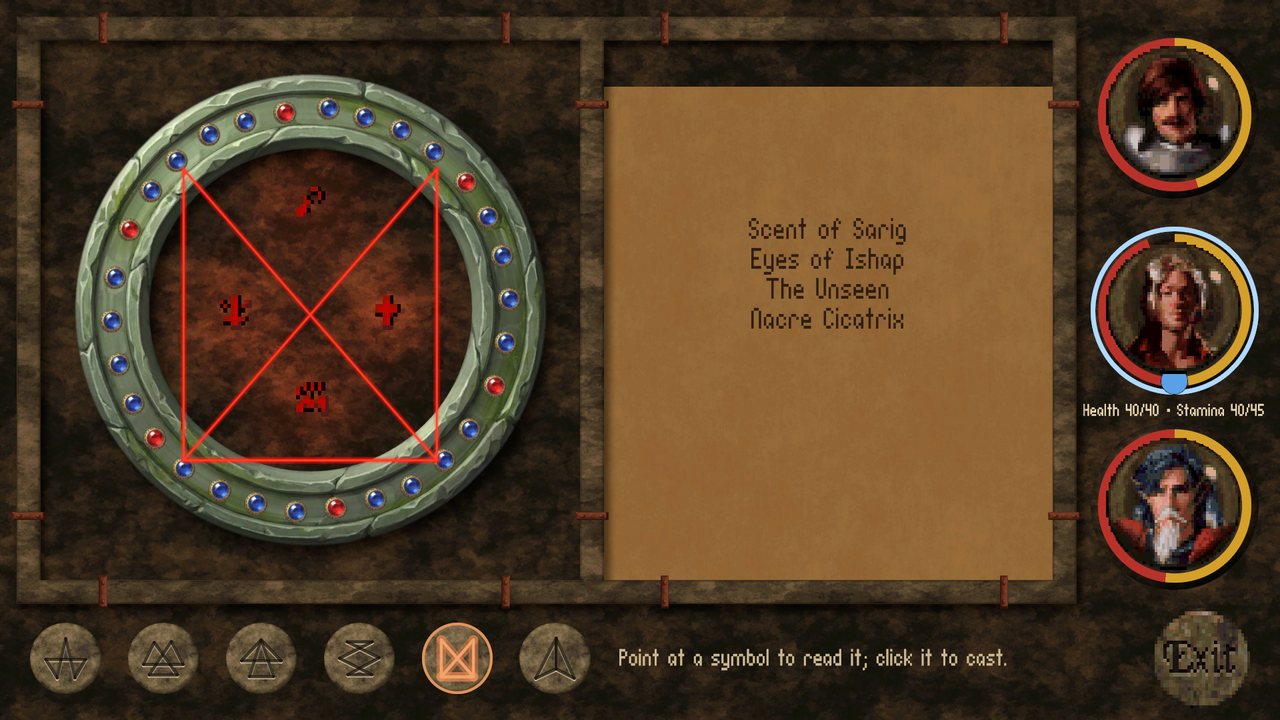
Status: beta
The whole game is in: all nine chapters can be played from the first scene to the ending. What a beta needs now is players. Some fights may still turn out harder than in the original, and some things are only found by playing, so play it through and tell us where it goes wrong.
Download
The current build is v0.6.0-beta.
Windows (64-bit, 80 MB) Linux (64-bit, 82 MB) Android (77 MB)
- Windows: unzip anywhere and run
BaK-Again.exe. - Linux: unzip and run
BaK-Again.x86_64. - Android: install the
.apk(allow installs from your browser or file manager when asked).
First start asking for your game files? Setting up BaK-Again shows how, step by step.
Checksums, release notes and earlier builds are on the releases page.
System requirements
- Windows: Windows 10 or 11, 64-bit, with a DirectX 11 graphics card.
- Linux: a 64-bit distribution (tested on Ubuntu) with Vulkan or OpenGL 3.2 graphics.
- Android: Android 8.0 or newer on a 64-bit (ARM64) device.
- About 200 MB of free space, plus your copy of the original game.
Getting started
- Get Betrayal at Krondor. It is sold on GOG; an old CD copy works too. The 1.02 CD version is the one BaK-Again is tested against.
- Install it, or copy its folder somewhere. BaK-Again needs the folder that holds
KRONDOR.001. If you are not sure where that is, search your installation for that file name. - Start BaK-Again. The first time, it asks for that folder. Point it there and play.
Modding
Anything BaK-Again loads from the original game can be replaced without touching the
original files. A mod is a zip with pictures, data or translations, never code: install it from
Preferences → Enhanced → Installed mods (or drop the zip into the mods folder),
switch mods on and off, and choose which one wins when two change the same thing. Saves remember
which mods were on. Mod makers get a small bakmod tool to check and pack a mod.
How it all works is documented in the
source repository;
share your mods on the forum.
FAQ
- Do I really need the original game?
- Yes. BaK-Again is an engine, like ScummVM or OpenMW: the world, the text, the pictures and the music all come from your copy.
- Can I load my old saves?
- BaK-Again reads and writes the original's save format, so saves move both ways.
- Windows says "Windows protected your PC". Is it safe?
- BaK-Again is not code-signed, so Windows SmartScreen warns about any new download from
an unknown publisher. Click More info, then Run anyway. If you would rather
check first, compare the file with
SHA256SUMSon the releases page, or build it yourself from the source. - Android blocks the install, or Play Protect warns about it.
- Android warns about every app that does not come from the Play Store. Allow your browser or file manager to install unknown apps when asked; if Play Protect shows a warning, choose More details, then Install anyway.
- Is it finished?
- Nearly. The whole game is in and can be played to the end. This beta is for finding what still goes wrong before a 1.0.
- I found a bug. Where do I report it?
- On the forum, in Bug Reports. Please include the version and log path shown at the bottom of the Preferences screen.
- Can I help?
- Please. Playing and reporting is the biggest help right now. Code, documentation and mods are welcome on GitHub.